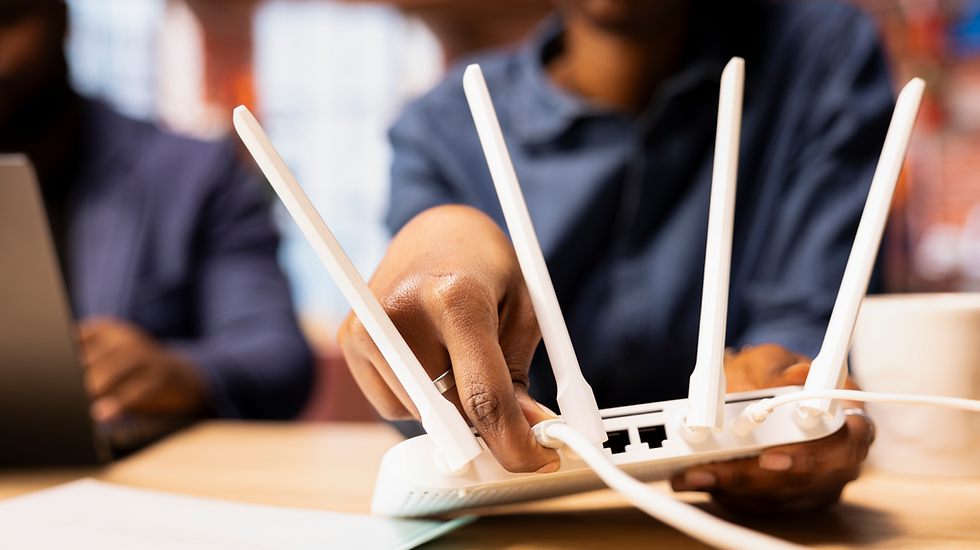
Where Is the Best Place to Set Up Your Router? (2026 Placement Guide)

Where is the best place to put your router? The best router placement is in a central location in your home, elevated off the floor (such as on a shelf or table), away from walls, large metal objects, and other electronics. This allows the Wi-Fi signal to radiate outward in all directions equally, maximizing coverage throughout your home. Avoid placing your router in a corner, inside a cabinet, or near a microwave or cordless phone.

Put It Near the Center of Your Home
Wi-Fi signals travel outward in all directions from your router. Placing your router close to the geographic center of your home helps ensure that the wireless signal reaches every room more evenly. When it’s stuck in a corner or at one end of the house, the signal has to travel farther, or even outside, before it reaches distant devices.
Elevate It Off the Ground
Signal travels better when the router isn’t on the floor. Place your router on a shelf, desk, or mount it on a wall so that it’s at least a few feet above the ground. This helps distribute the signal more effectively across the house, especially for multi-level homes.
Keep It in the Open
Wi-Fi signals don’t like barriers. Avoid hiding your router inside cabinets, closets, or behind furniture. Open space is your friend. The fewer obstacles between your router and your devices, the better your signal will travel.
Avoid Interference from Electronics & Materials
Many common household items can weaken Wi-Fi signals:
Microwaves, cordless phones, and baby monitors can interfere because they share similar frequencies.
Metal objects, aquariums, and thick walls can block or absorb signals entirely.
Windows and reflective surfaces can even bounce signals in unwanted directions.
Try to place your router away from these interference sources where possible.
Be Smart About Room Choice
While there’s no one perfect room for every home, some general rules can help:
Avoid kitchens and basements where appliances, thick walls, or obstructions are common.
Living rooms, hallways, or open common areas often make good spots since they balance openness with centrality.
If most internet use happens in one room (like a home office), prioritizing coverage there can also make sense.
Test and Adjust as Needed
Every home is different, especially with unique layouts, materials, and device patterns. After choosing a first spot, walk around with a phone or laptop and check your signal strength in key areas. Moving the router a few feet can sometimes eliminate dead zones or weak spots.
Even with a great internet plan, poor router placement can limit your performance. By choosing a central, elevated, open spot away from interference, you’ll help your Wi-Fi signal reach more devices with fewer hiccups. If you still find weak areas after placement, tools like mesh systems or additional access points can help extend coverage further.
Quick Reference Guide
Placement Factor | Best Practice | Why It Matters |
Location in home | Central room or hallway | Signal radiates equally in all directions |
Height | Elevated (shelf, table, or wall mount) | Wi-Fi signals spread downward and outward |
Distance from walls | Away from exterior walls | Walls absorb and weaken signal |
Nearby electronics | Away from microwaves, baby monitors, cordless phones | These devices cause 2.4 GHz interference |
Metal objects | Away from filing cabinets, appliances | Metal blocks and reflects Wi-Fi signals |
Enclosed spaces | Never inside a cabinet or closet | Severely reduces signal range |
Find the Best Internet Options at Your Address
Internet plan availability, pricing, and discount programs vary significantly depending on where you live. The fastest way to know exactly what is available at your home is to check your specific address.
Use the FreeConnect Search Tool — enter your address and instantly see every affordable internet plan, low-income discount program, and provider available at your location.
Frequently Asked Questions
Does router placement really affect Wi-Fi speed?
Yes, significantly. A poorly placed router — such as one tucked in a corner, inside a cabinet, or near a microwave — can reduce your effective Wi-Fi speed by 50% or more compared to a centrally located, elevated router. Proper placement is one of the easiest and most impactful ways to improve your home Wi-Fi performance without spending any money.
Should my router be upstairs or downstairs?
If your home has multiple floors, placing your router on the middle floor (if you have three) or on the upper floor of a two-story home is generally best, since Wi-Fi signals tend to spread more strongly downward and outward. If your modem is on the ground floor, consider using a Wi-Fi extender or mesh network system to improve coverage on upper floors.
How far can a router's Wi-Fi signal reach?
A typical home router can reach 100–150 feet (30–45 meters) in open space, but walls, floors, and interference can reduce this to 30–50 feet in a real home environment. For larger homes, a mesh Wi-Fi system (such as Google Nest, Eero, or Orbi) is the most effective solution for full-home coverage.